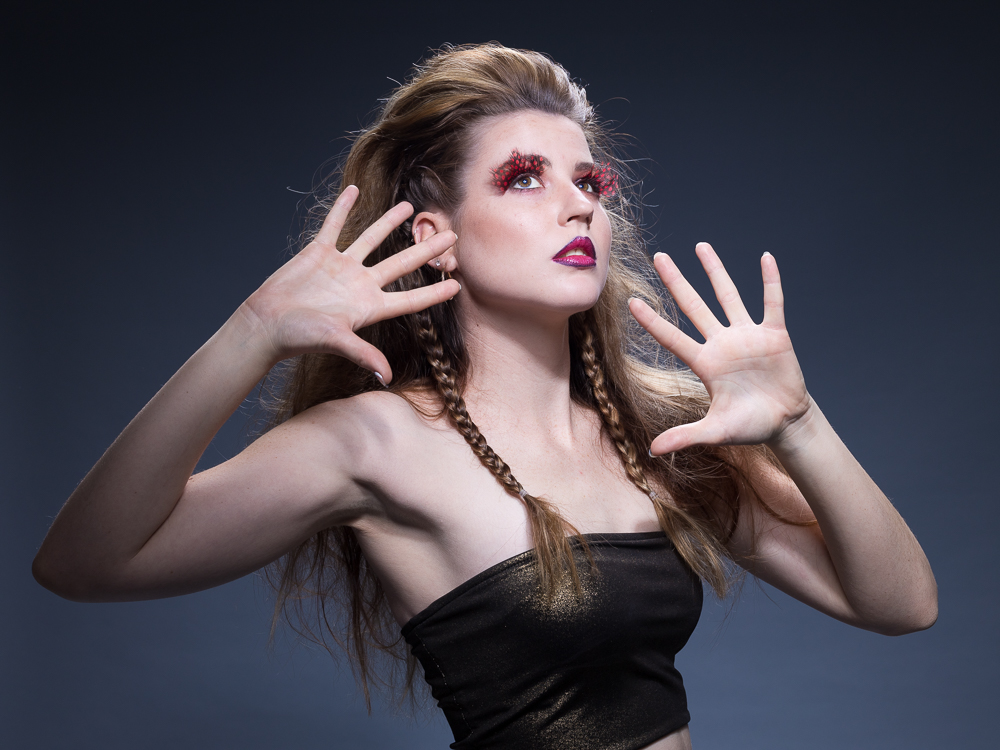
Amazing photo post-processing software
We are living in amazing times as photographers.
Post-processing of photos a few years ago for all of us was very time consuming and tedious. But now it is so quick and easy for us using the right applications, bringing about a Post-processing Software Dreamland.
In the early days the only piece of software that was worth even mentioning was Adobe Photoshop. Everything else was essentially relegated to the amateur that could not operate Photoshop. Photoshop was also mainly for the Apple Mac guys and not for the Microsoft guys like most of us.
Even photoshop was time consuming and tedious. All other applications was designed for the beginner leaving us the enthusiast and professional with little choice and scope.
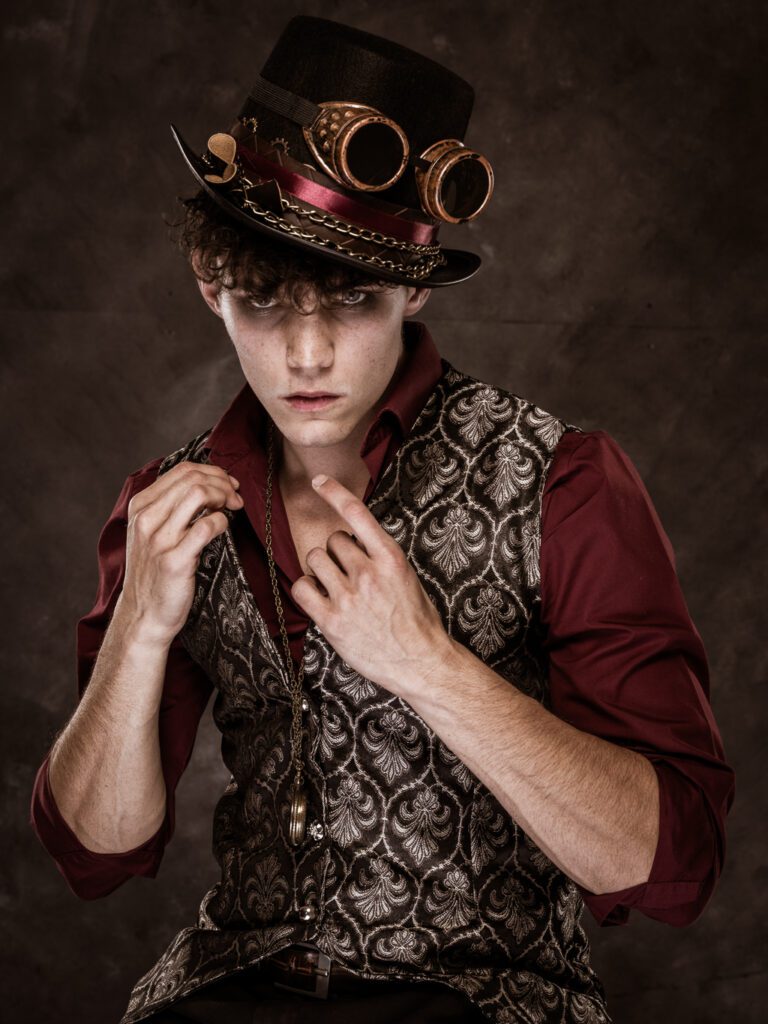
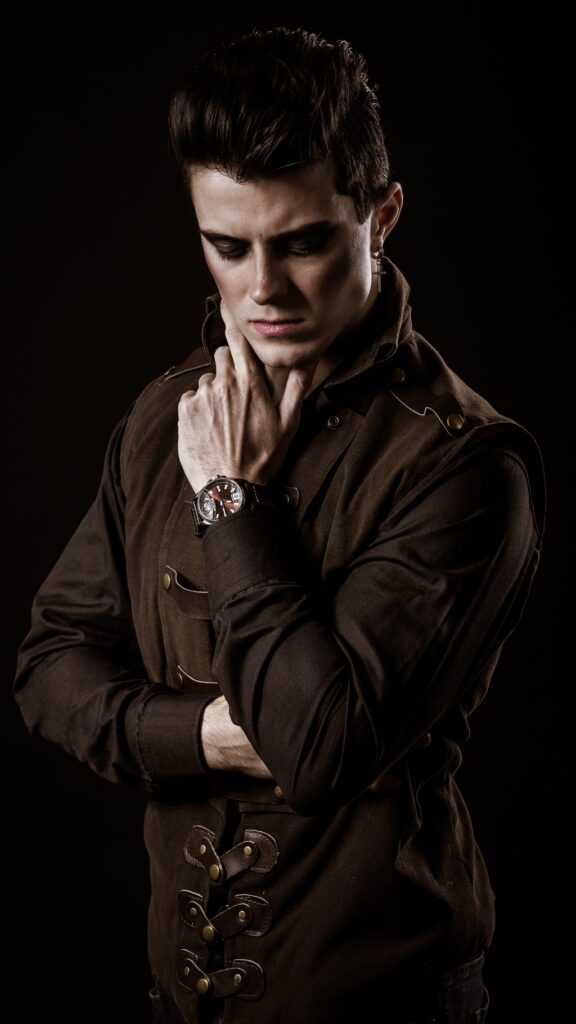
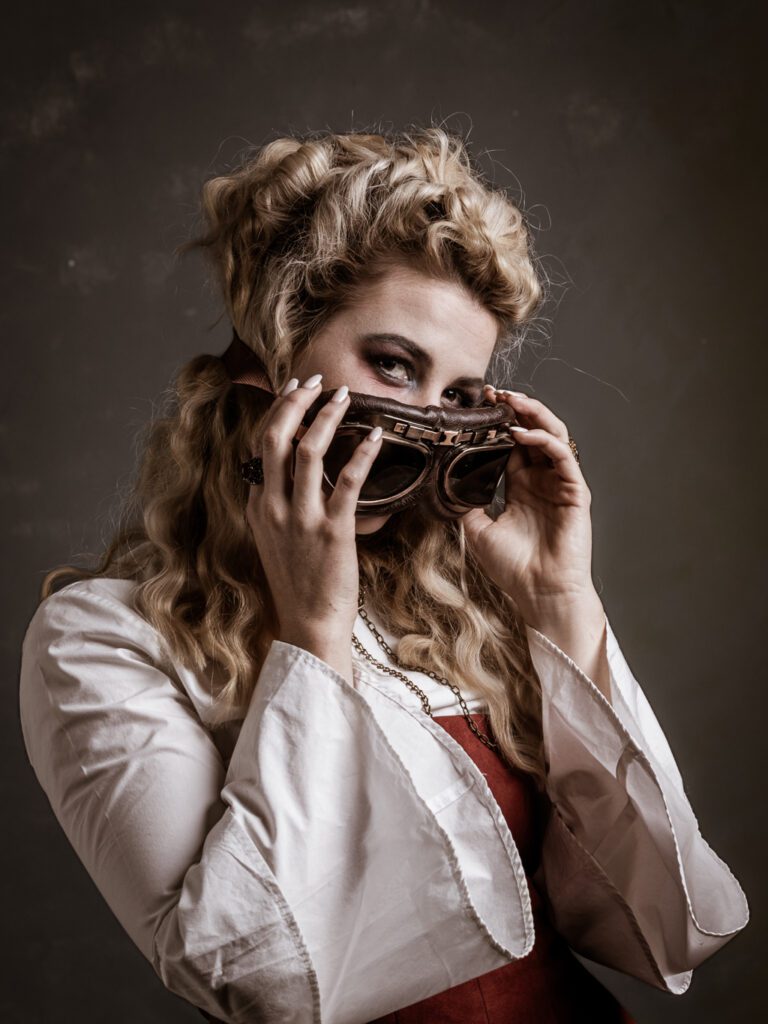
Enter Adobe Lightroom Classic
For me Adobe Lightroom really opened up the post-processing world, with quick and many adjustment sliders that had lots of power. This combined with it’s RAW photo handling capabilities really made most photo editing for me a complete breeze. There is also batch editing for those huge events I shoot, which makes editing of 1000’s of photo’s a breeze.
Lately a new functionality called AI (Artificial Intelligence) has added a huge ability in my editing of photos with a great amount of ease. These AI tools make my masking tasks very easy. Now a Post-processing Software Dreamland.
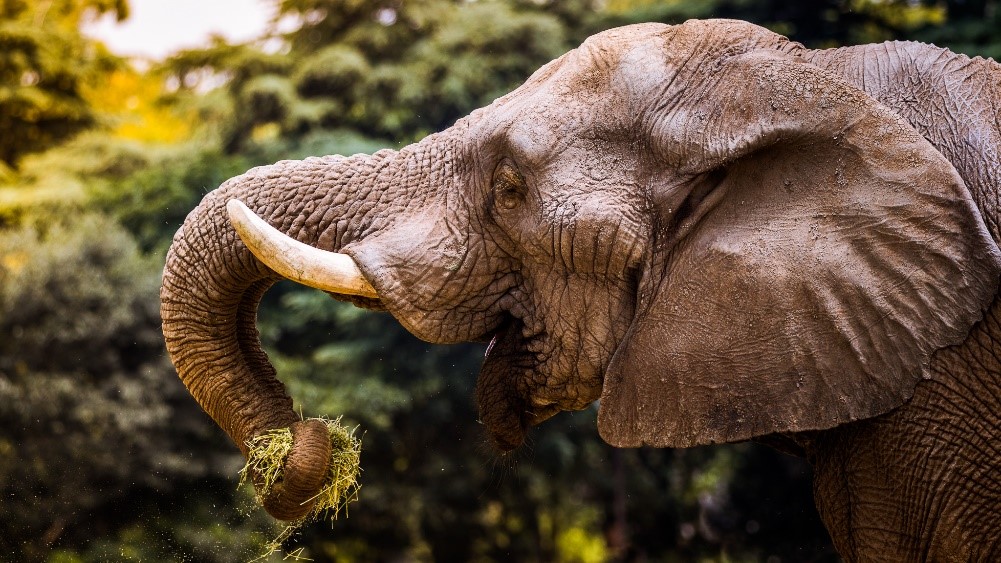
To make my life even easier, there is a great deal of presets (wizards) to assist me. If the presets is not in your collection of presets, you can get more from the internet, albeit very often you have to purchase them. I was always skeptical about using presets as I prefer having full control, but that that is not always the best attitude. Use the presets, then adjust to your likings. Furthermore, presets are great for batch editing. Now a Post-processing Software Dreamland.
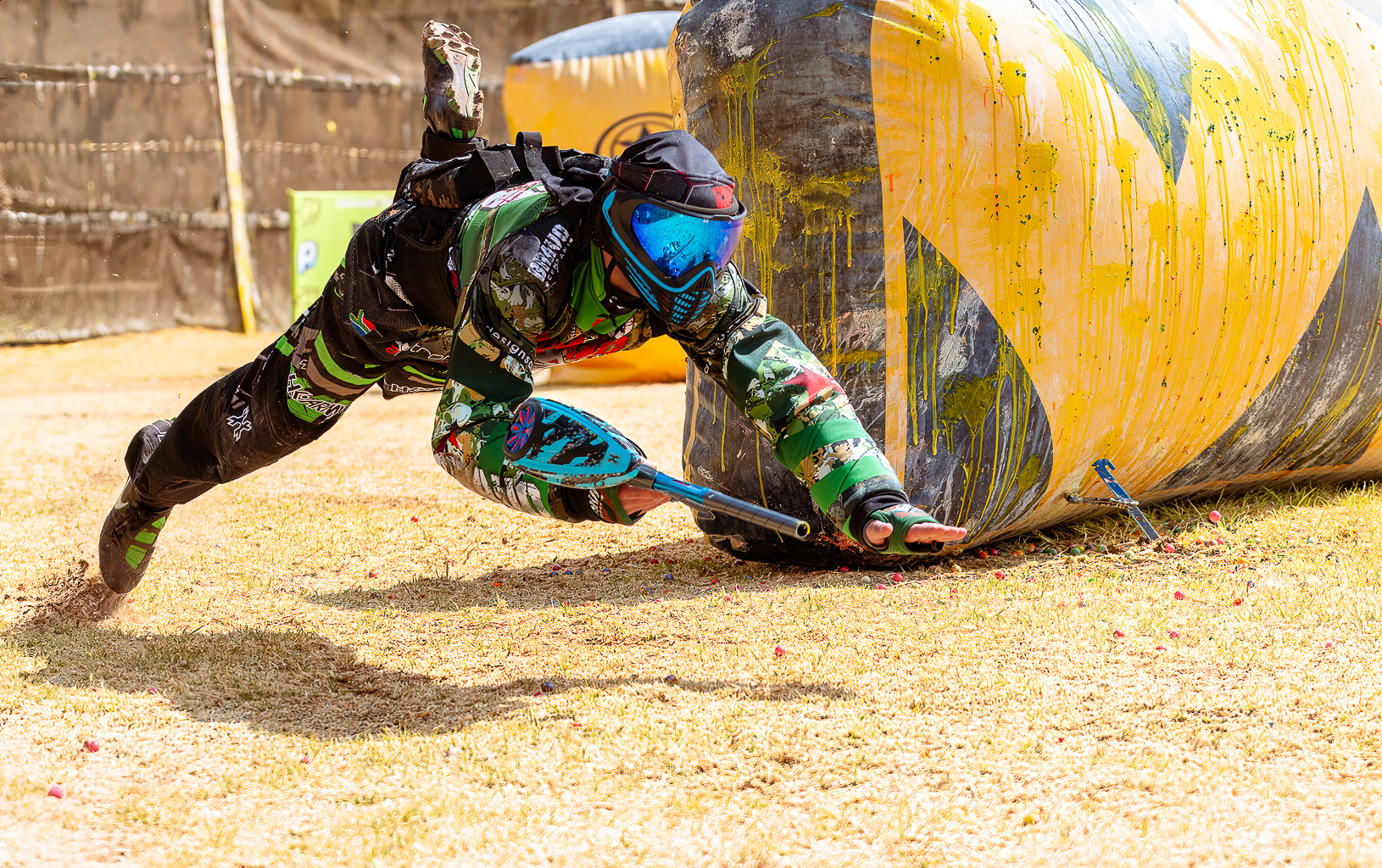
High Dynamic Range
When I learned about HDR (High Dynamic Range) photography, I did a lot of it. Of course I used Photomatix to do the edits, this I found just did not help with natural HDR a great deal. This also caused me a great deal of overdone horrible looking photos.
When Merge to 32bit came along, the natural looking HDR became easier for me. Then Aurora HDR had become part of my software collection. This software was absolutely amazing at creating a very smooth natural look for me, better than any other method at producing quick images.
Lately I prefer using Lightroom classics HDR merge function in conjunction with all it’s other tools to create amazing images.
Now a Post-processing Software Dreamland.

Portrait Editing
I had also purchased On1 Photo RAW, which I find amazing for masking and Portrait editing. Yes, you can do all this with Adobe Photoshop, but Adobe Photoshop requires wizards like Luminosity masking for natural HDR and Frequency Separation for Portraits, and these techniques take more time and effort to get the edit done.
Now a Post-processing Software Dreamland.
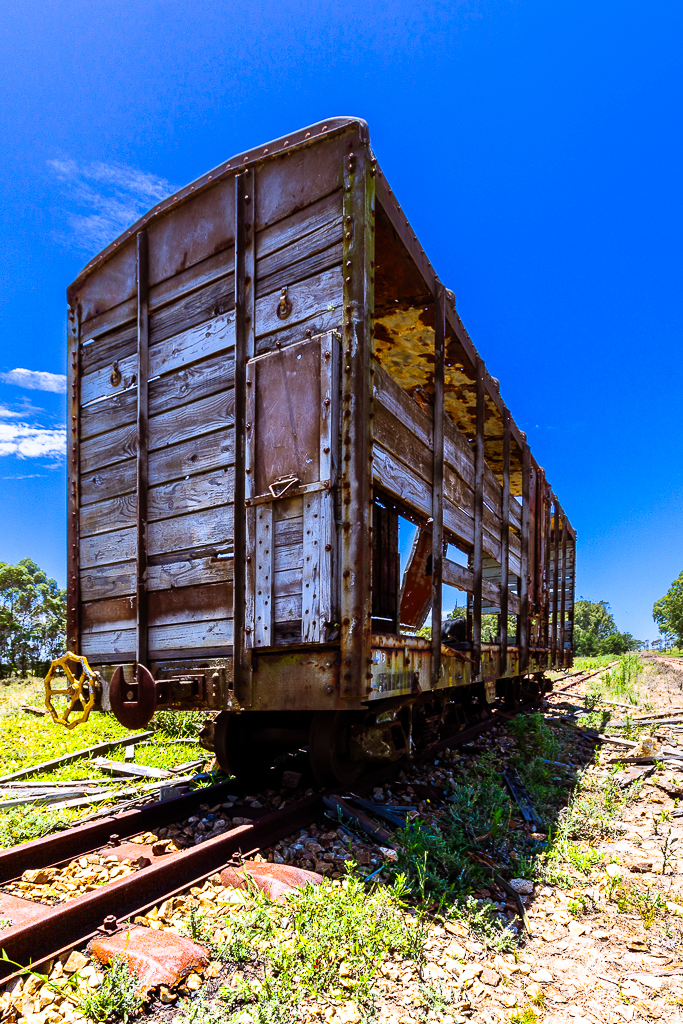
General Misconception
The general misconception in the public view of editing things like wedding photos still taking very long is in my opinion very wrong. Especially when a lot of photographers take advantage of this misconception. It should not take more than about 2-3 minutes to edit a photo. If it does, I think the photo was not taken right in the first place.

I believe that all professional photographers need to start using more of the tools available to them, to get the post-processing out quicker. The only major drawback still, is yes there is a lot of application training available, but there is very little on what to edit of a specific photo.